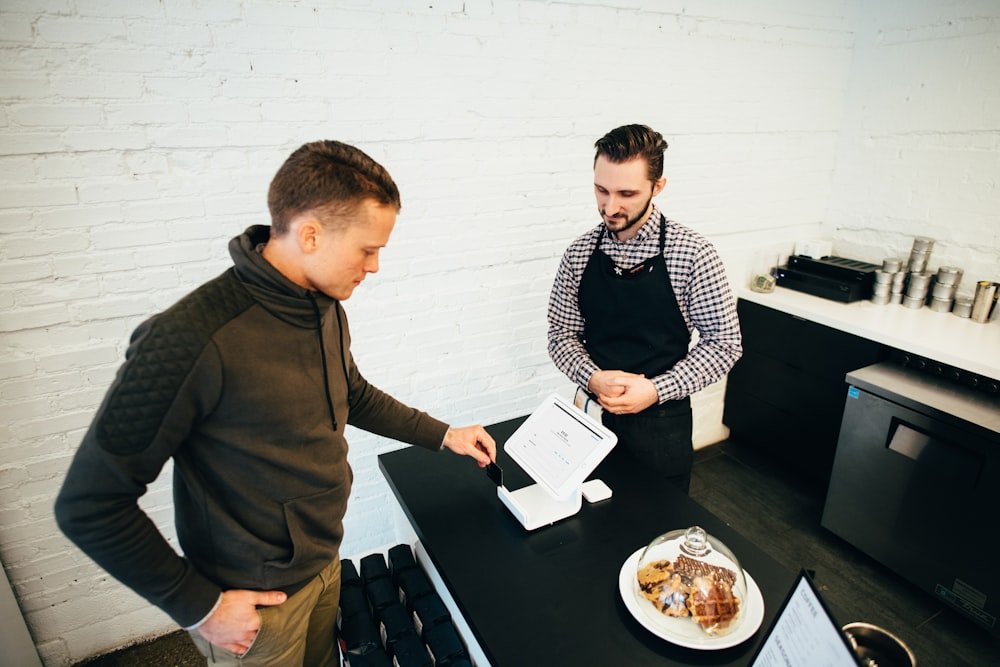
Scan the QR
Place your branded QR on tables, counters, or posters. Guests open the menu instantly on their phone.
Menu
Turn every table into a contactless experience — guests scan, browse your menu, and send orders on WhatsApp in seconds.
How it works
Three clear steps that guests already understand. No app download. No friction at the table.
Place your branded QR on tables, counters, or posters. Guests open the menu instantly on their phone.
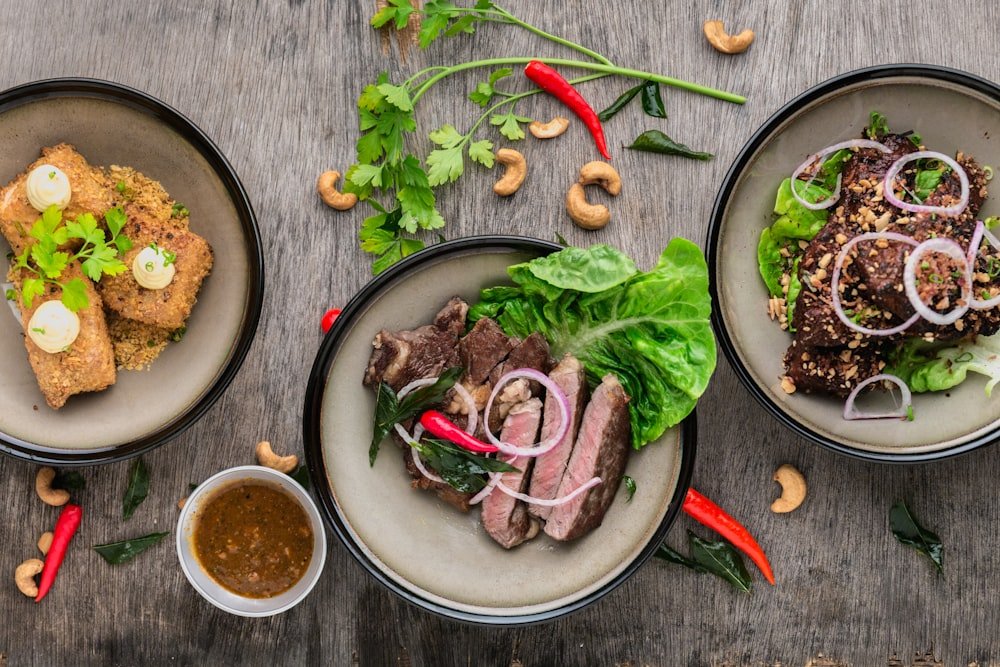
Categories, prices, and specials in a clean mobile layout tailored to your restaurant’s theme.
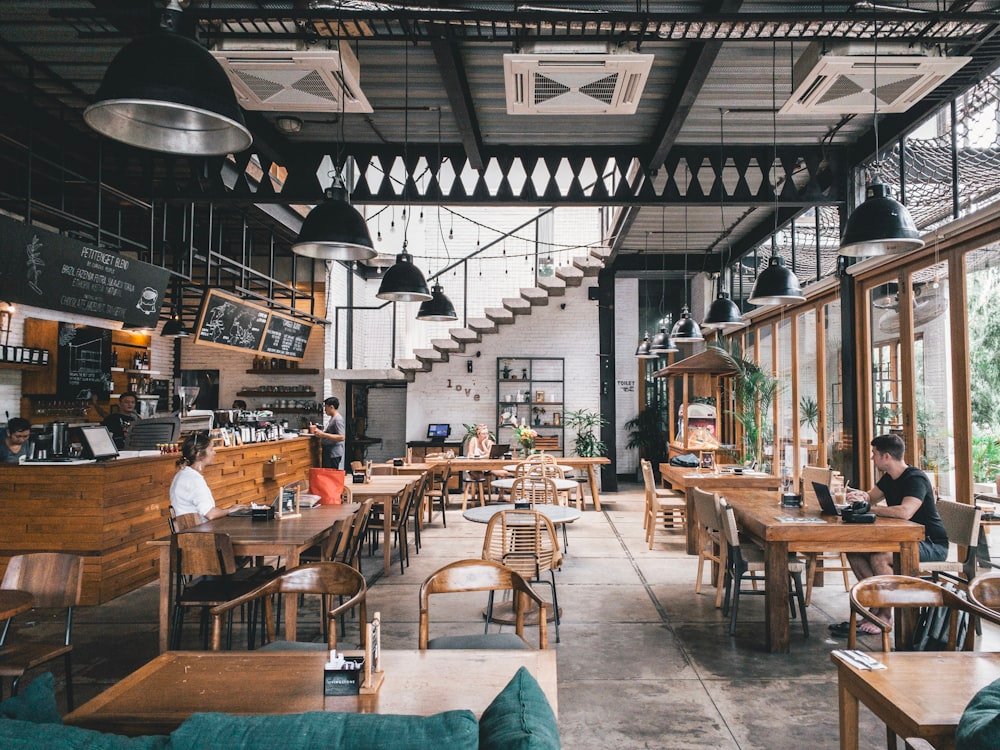
Selected items, table, food preference, and suggestions go straight to your WhatsApp number.
For restaurants
Update dishes, prices, and availability anytime. Guests always see the latest menu — no paper waste, no outdated boards.
Guest experience
Fast on mobile, easy to read under restaurant lighting, and built around the way people already order — with a quick WhatsApp message to your kitchen or counter.
Sign in to manage the platform or your restaurant outlet — then share your QR and start taking orders.